OMP coding agents, from your phone
Your agents keep running. You stop having to sit there.
Your phone drives the sessions already running on your machine. Read what changed, send the next instruction, and walk away from the desk.
Already running OMP? Keep your sessions. Add ompd.
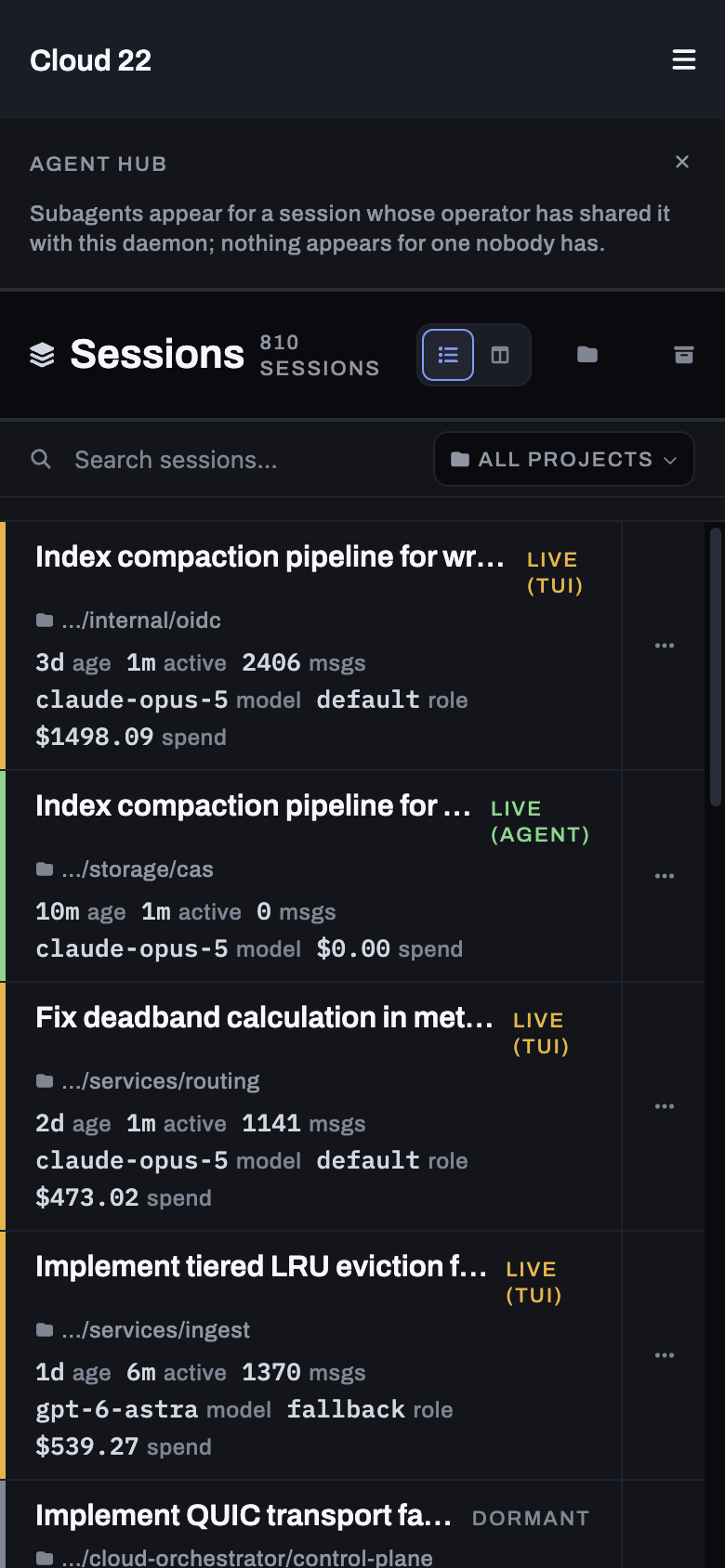
The product, in use
Pick up where you left off.
At a desk, keep the list beside the conversation. On a phone, open one session at a time.
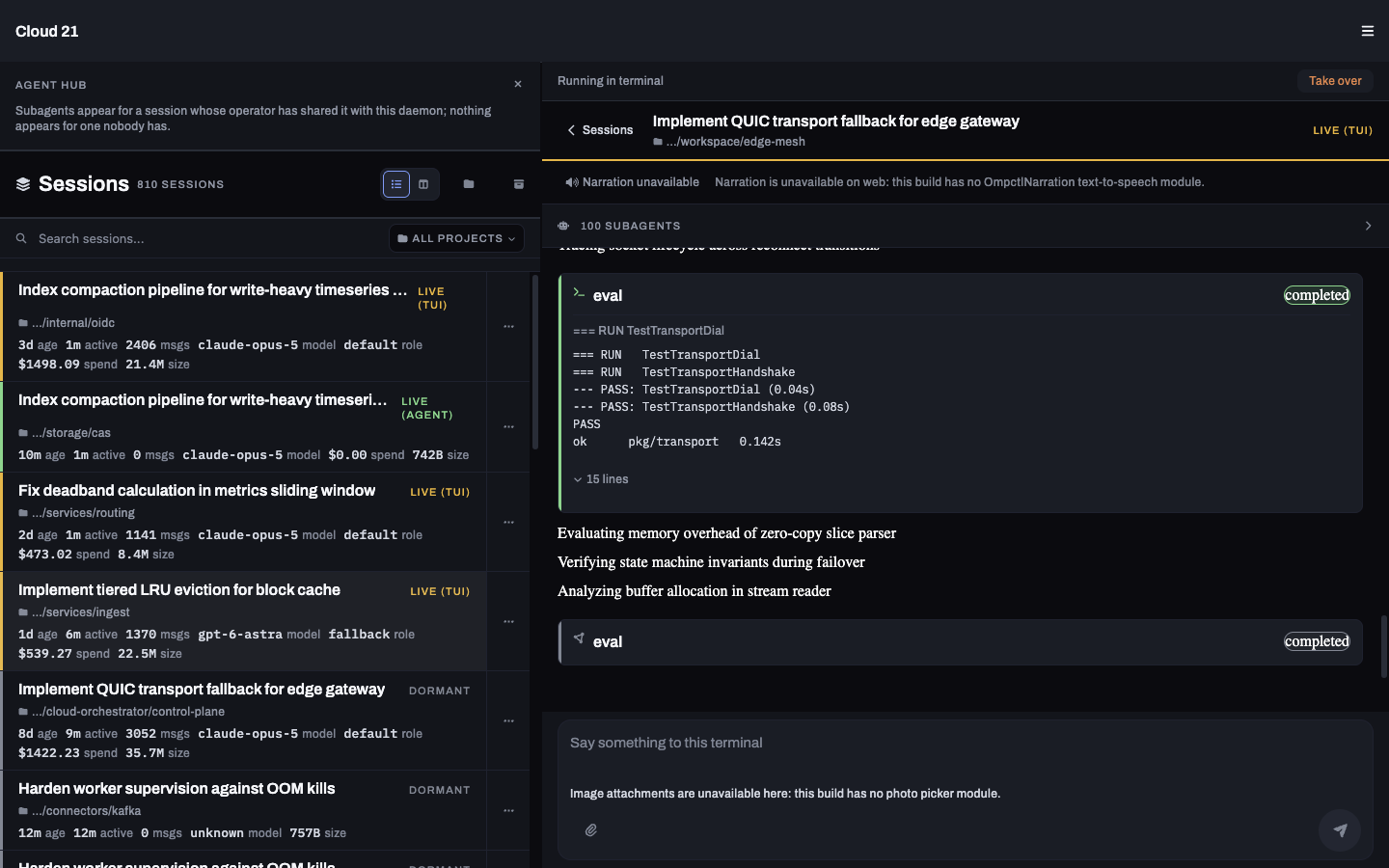
01Find your session
Live terminals, daemon-owned agents and dormant transcripts in one list. Filter by project; check activity, model and spend before opening one.
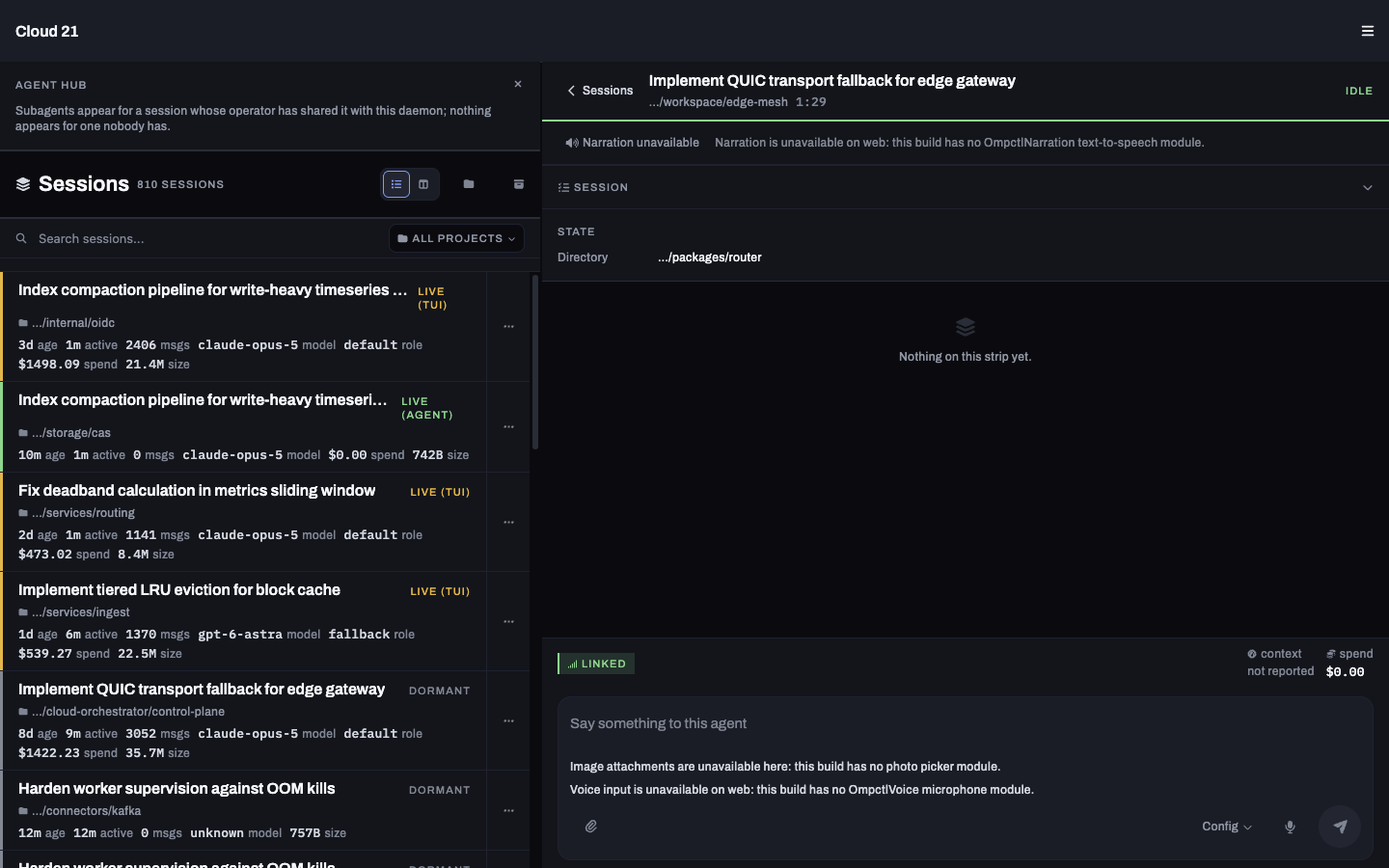
02Give the next instruction
Read replies and tool calls, then send a message into the session. A live terminal keeps rendering on its machine.
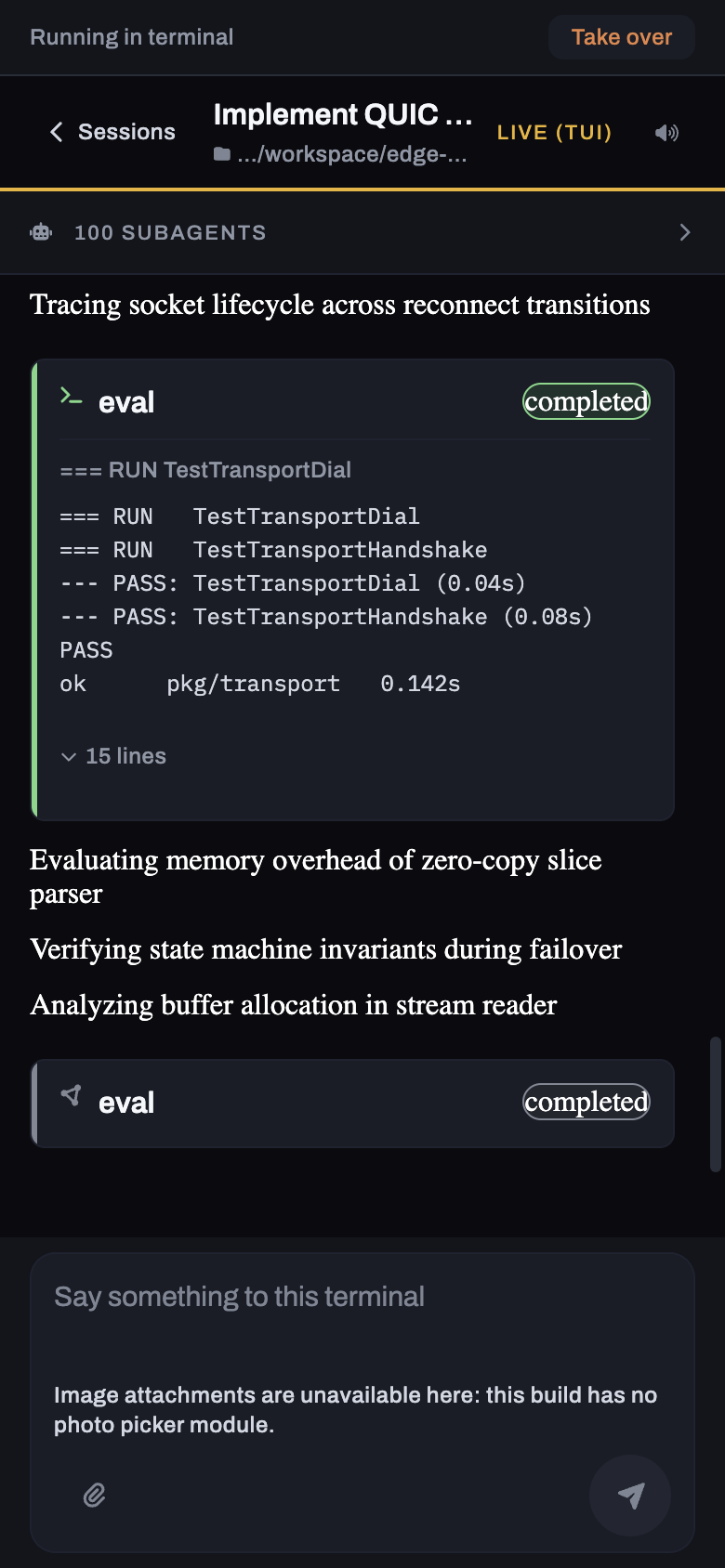
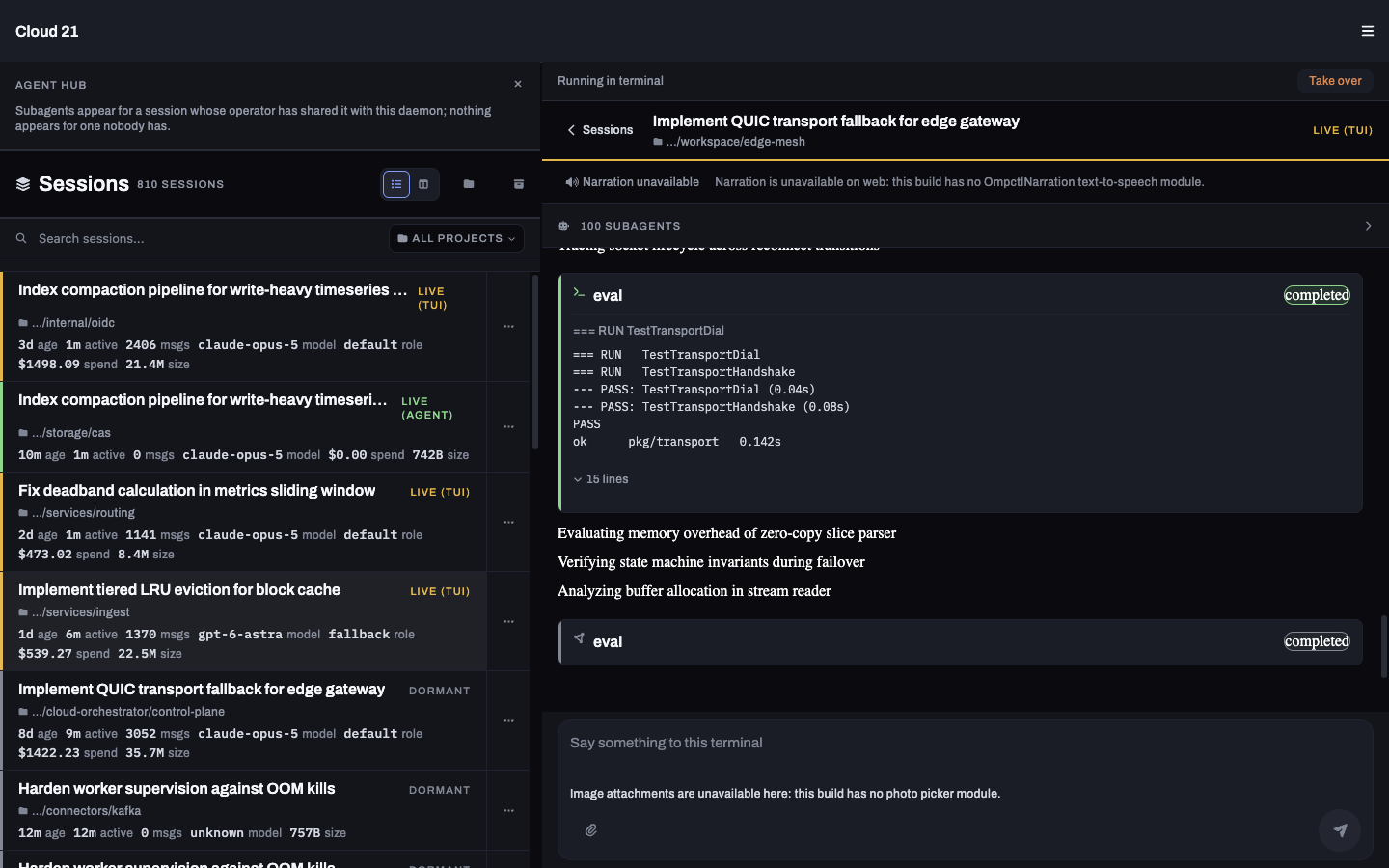
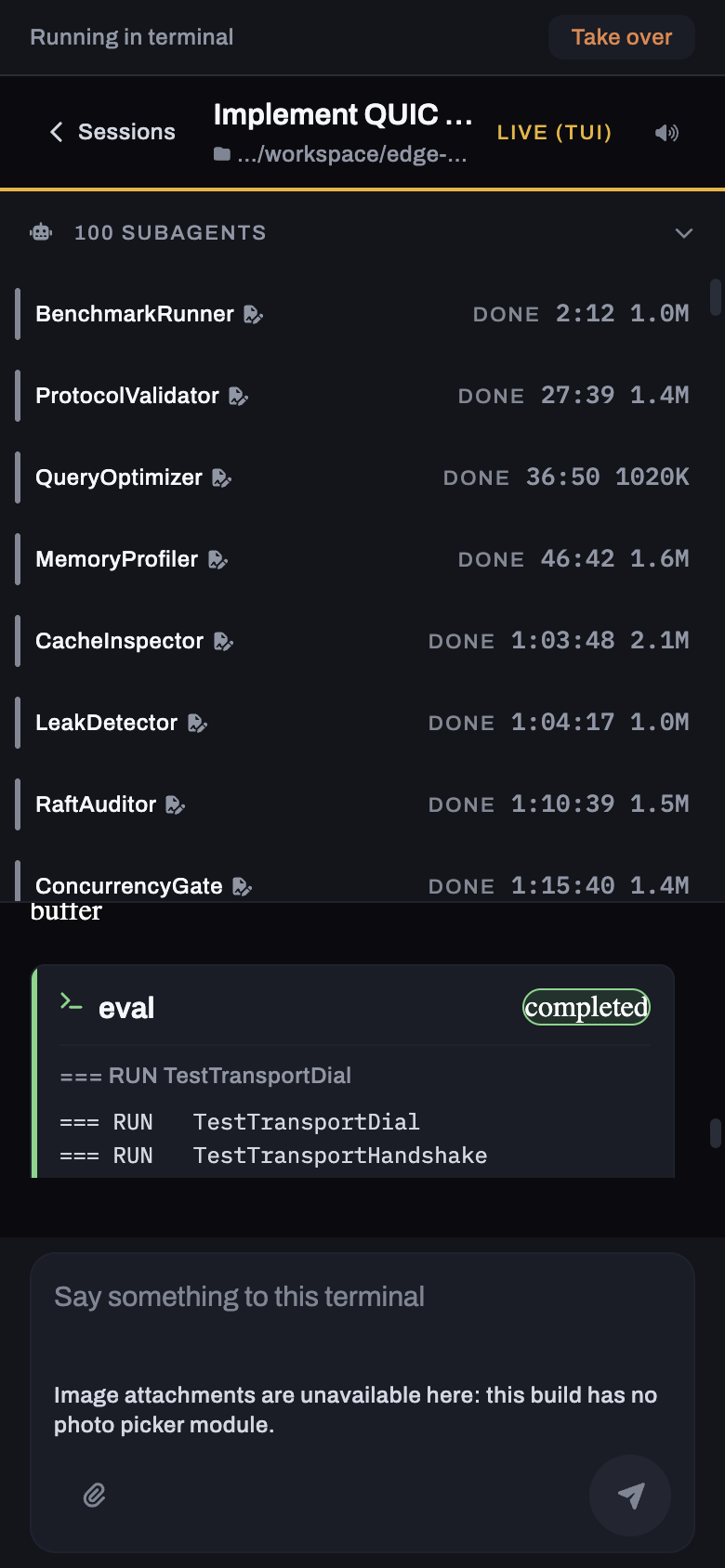
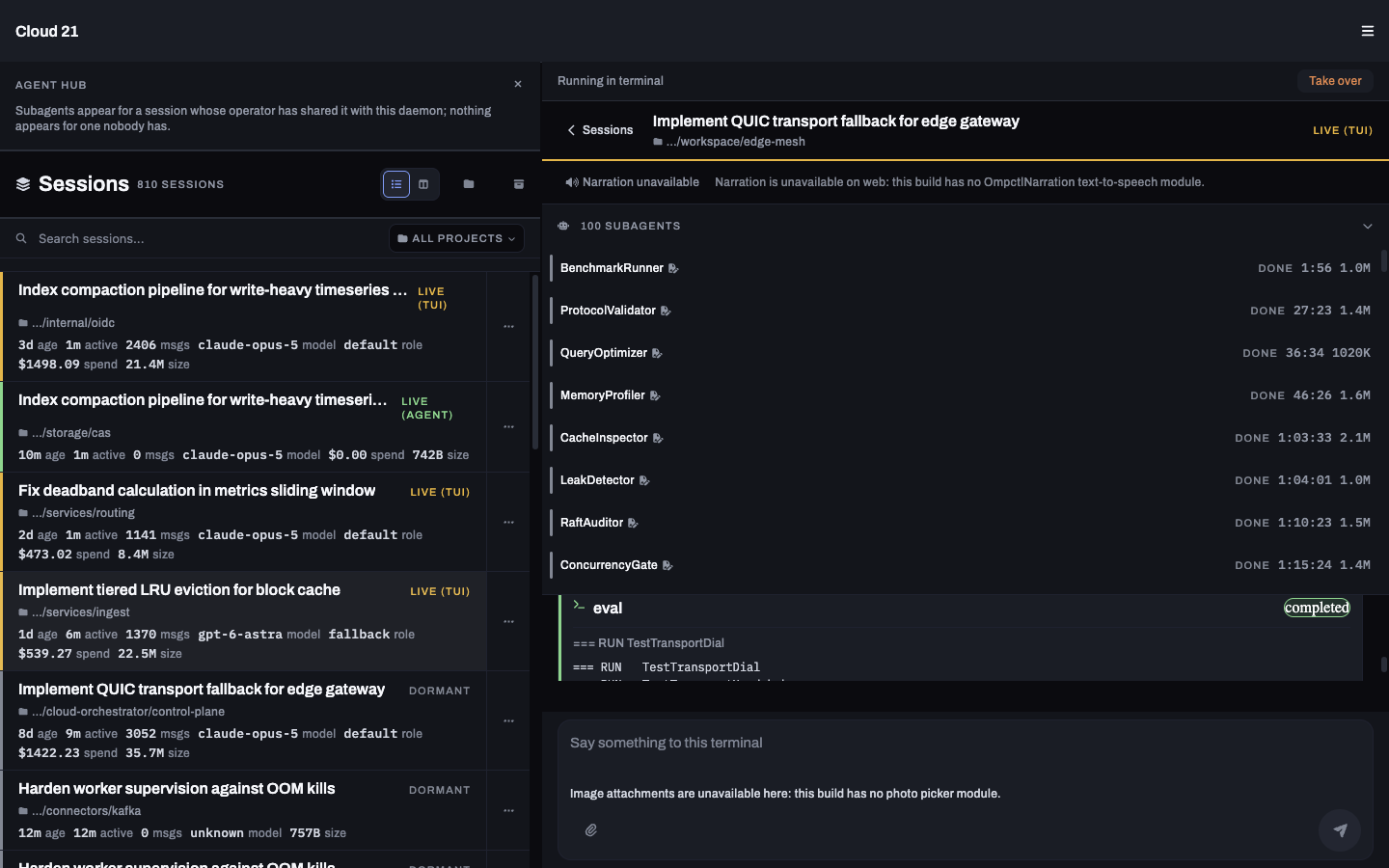
03Follow the subagents
Open a shared session's subagent band to see the workers underneath it and read their transcripts.
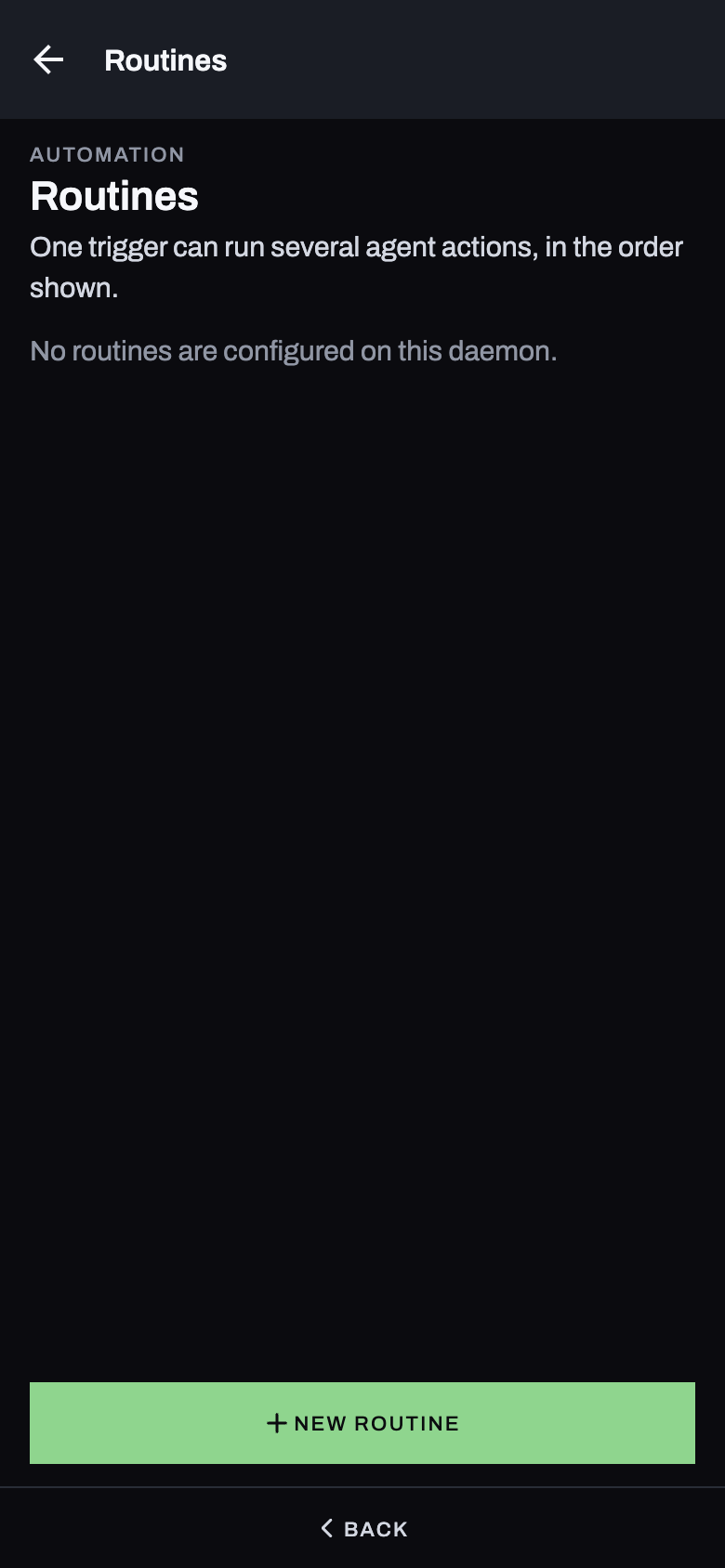
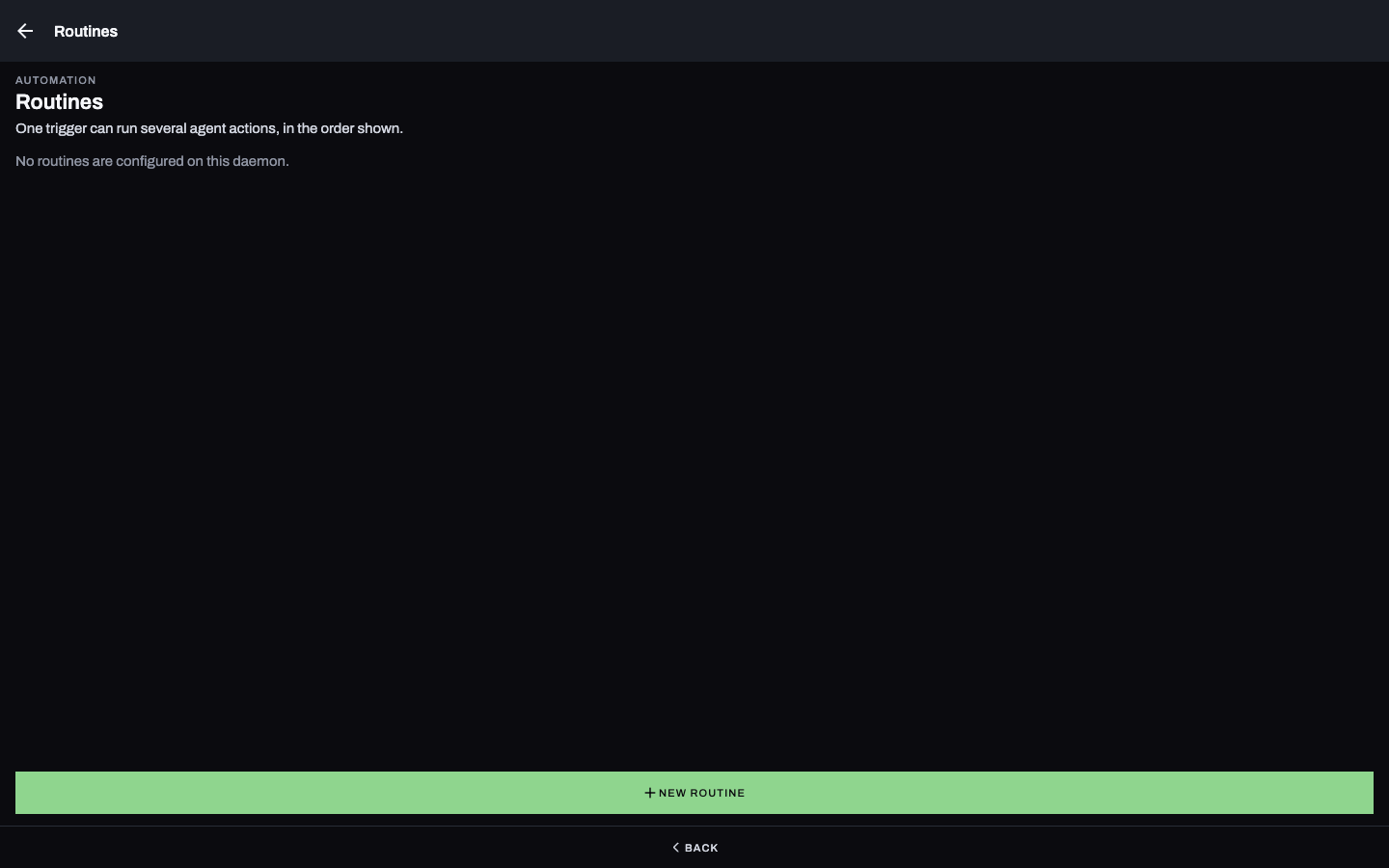
04Let a routine start the work
A schedule or webhook starts ordered prompts in fresh agents. Each run keeps the sessions it created, ready to open afterward.
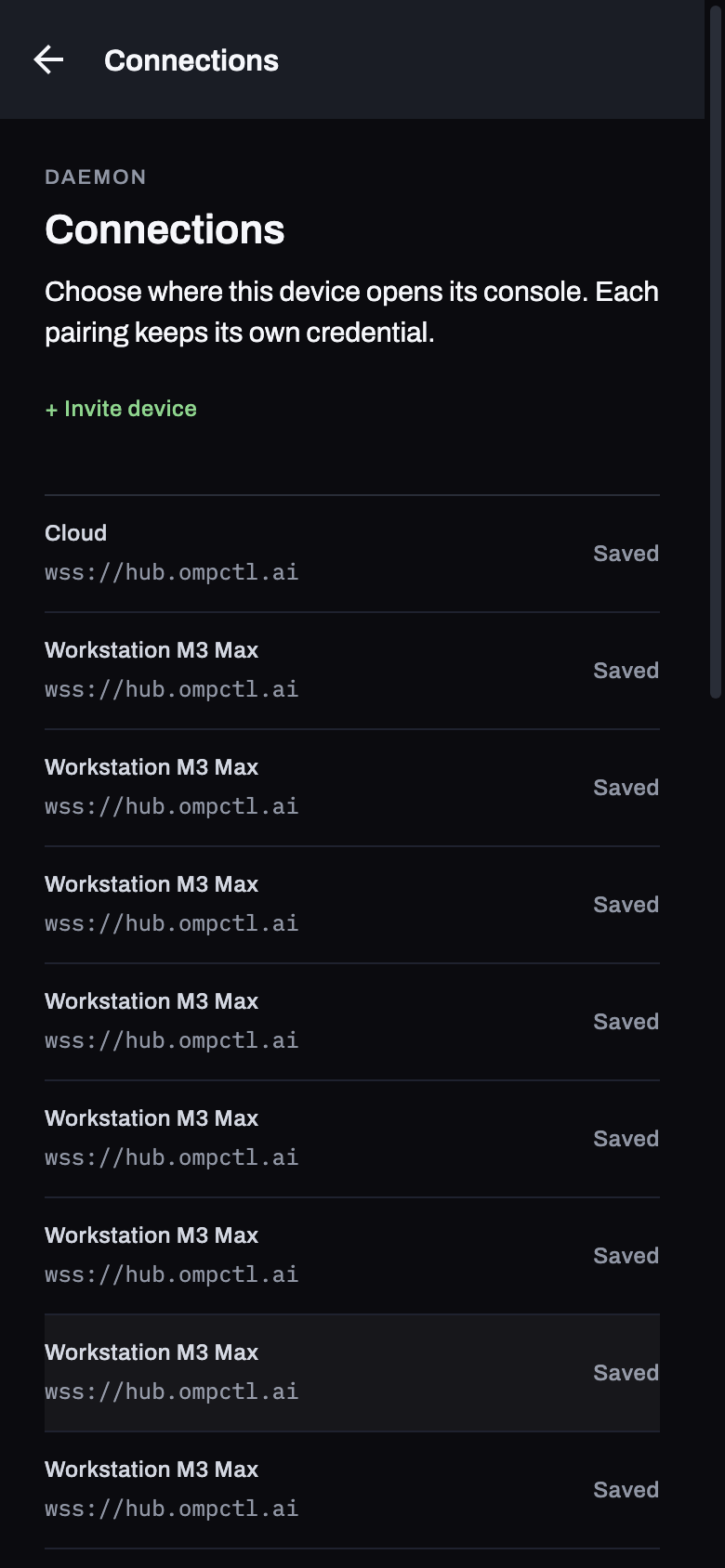
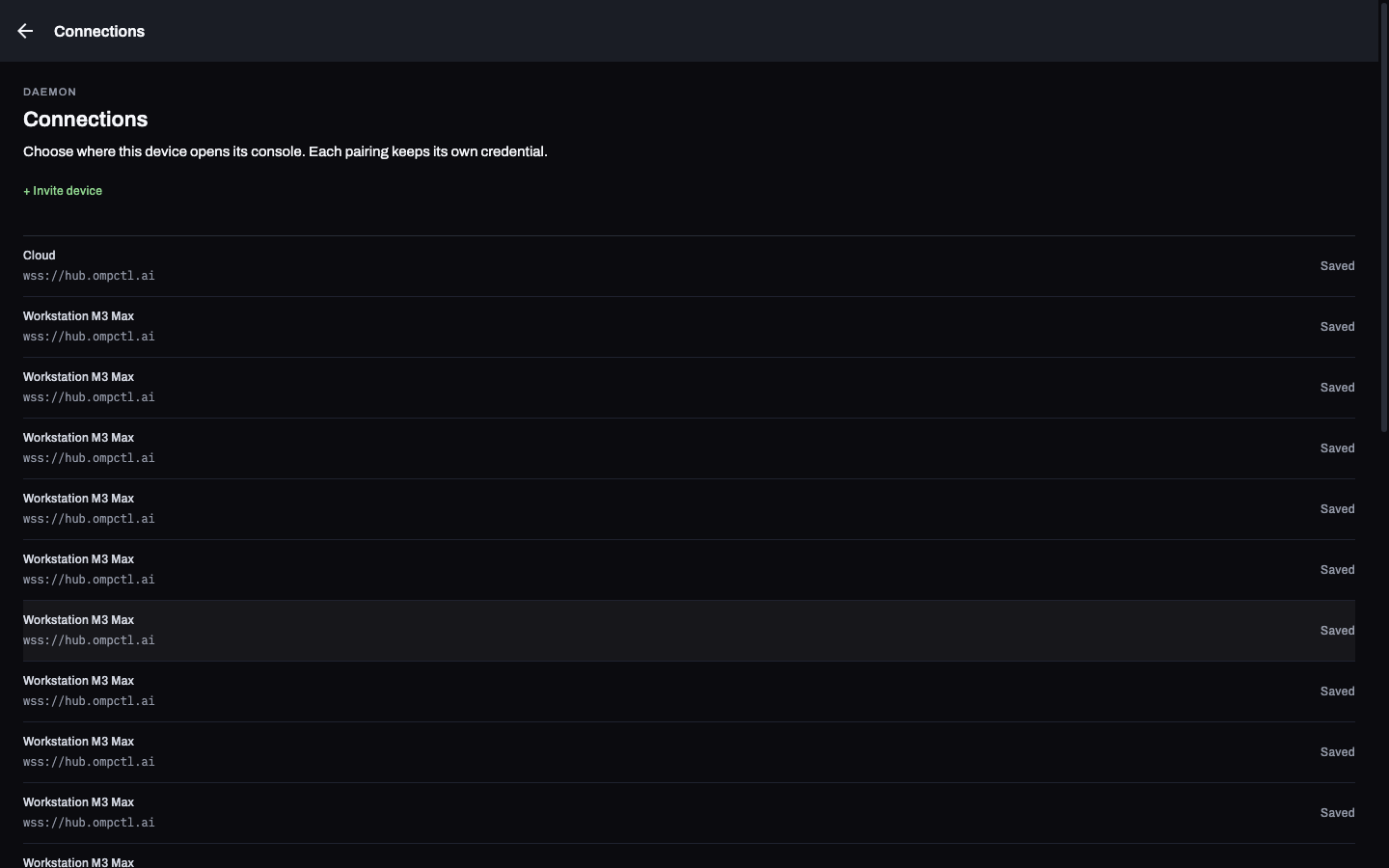
manage.05Switch the machine you drive
Choose a saved connection. Each pairing keeps its own credential and the permissions you gave that device.
Where the work happens
Your machine does the work.
01 / Machine
ompd
The daemon owns the sessions, working directories and credentials. It runs alongside OMP.
02 / Relay
The hub
The daemon dials out to hub.ompctl.ai. Reach it away from your network without forwarding a port.
03 / Device
Your console
A phone or browser, paired with a scoped token. You decide what that device can do.
Get started
Four commands and a code.
Run these on the machine that runs OMP. Keep the machine awake and the daemon running while you're away.
-
Install the daemon
ompd self-install -
Start it
ompd start -
Invite your device
ompd invite "my phone" --scopes read,promptScan the QR code or paste the token into the app. This invite grants reading and prompting; add
approveto answer approvals. -
Check the connection
ompd doctor
Pair once, then open your sessions
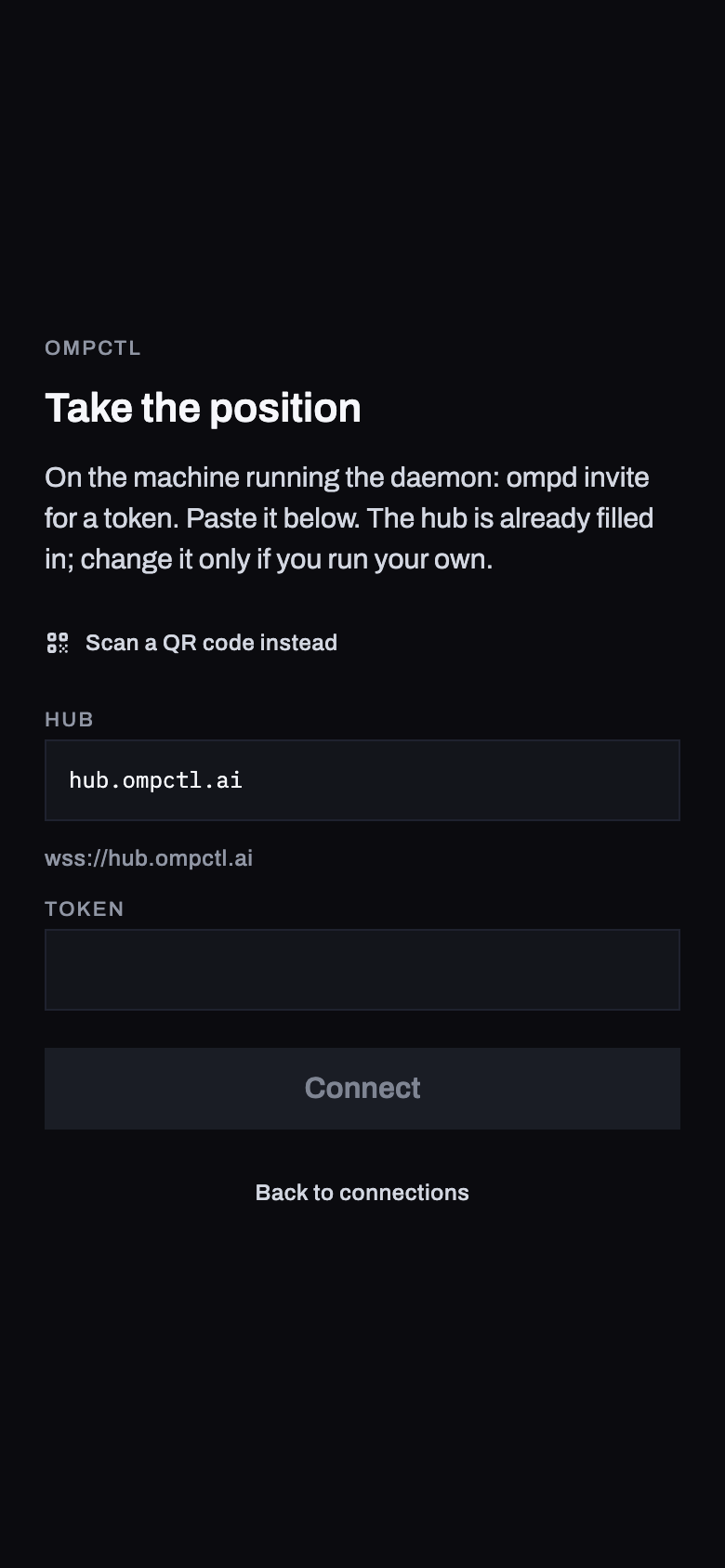
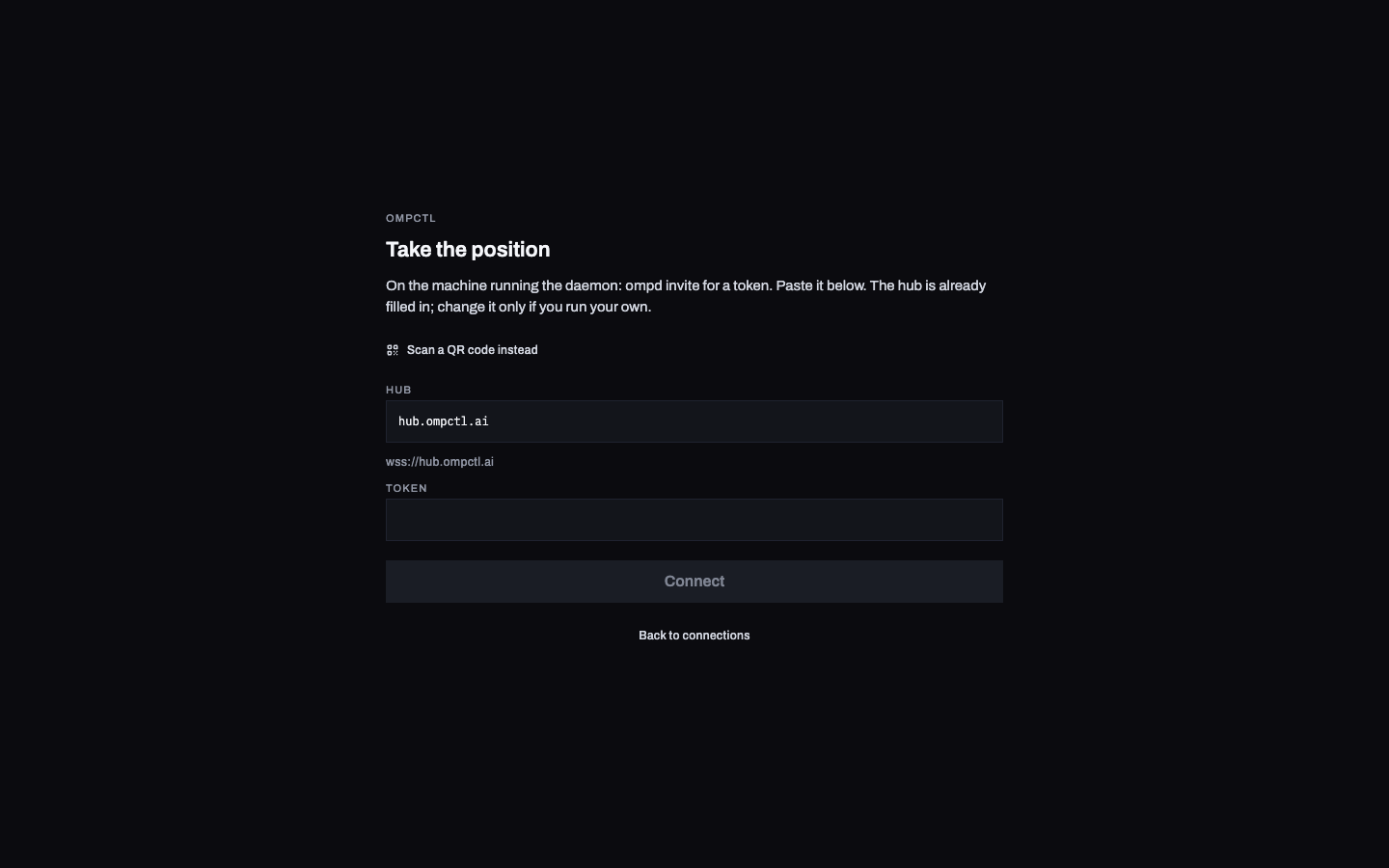
The app opens the sessions the daemon already holds. Open the web app or get the native app source.
Granted per device
A device gets exactly what you gave it.
Pairing grants a scoped token. A phone paired for reading and prompting cannot answer approvals or manage your agents.
| Scope | What it permits |
|---|---|
read | See sessions, transcripts, agents and cost. |
prompt | Send messages into a session. |
approve | Answer approvals and plan reviews. |
manage | Provision hosts, change settings and create agents. |
ompd devices lists pairings. ompd revoke ends one. ompd rotate re-mints it. ompd audit shows what devices did.
Before you pair
Where it stops today.
- Open the app to check in.
- Push notifications do not ship yet. Nothing alerts your phone when a decision is waiting.
- One operator at a time.
- Steering a live terminal works. True co-drive waits on upstream OMP collaboration.
- See the model, set it on the machine.
- The model is visible in the console. Changing it from your phone does not ship.
- Read artifacts as text.
- Image, video, diff and HTML viewers have not landed.